
Mistfall Hunter crossplay | Checked August 19, 2026
Mistfall Hunter Crossplay: PC, PS5, Xbox, and What to Check
Is Mistfall Hunter crossplay? Compare PC, PS5, and Xbox, separate crossplay from cross-progression, and check friends, region, and platform limits.
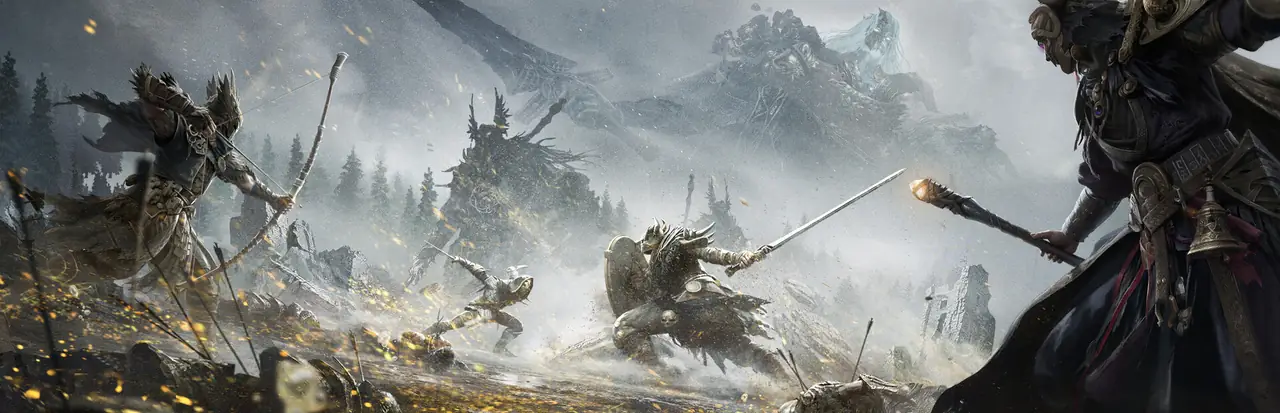
Quick answer: does Mistfall Hunter have crossplay?
Current public crossplay guides report that Mistfall Hunter can connect players on PC, PS5, and Xbox. That is the practical answer many players are looking for, but it is important to label the evidence correctly: the official website and platform store pages checked for this guide confirm the three platform listings, while they do not publish a detailed crossplay or cross-progression policy in their visible product copy.
Use the crossplay claim as a current public-information lead, not as a permanent official guarantee. Before a high-value run, open the current platform notice, check that your game version matches your friends, and confirm that the in-game friend or invite flow is available for your account and region. A store page can prove that a game exists on a platform; it cannot by itself prove how matchmaking, saves, or regional servers work.
This page separates verified platform facts, current public guide consensus, and items that remain unconfirmed. That makes the answer more useful after a patch: you can see which detail needs a fresh check instead of treating an old article, a forum comment, or a search snippet as a developer promise.
Mistfall Hunter crossplay at a glance
| Question | Current answer | Evidence boundary |
|---|---|---|
| Which platforms are relevant? | PC / Steam, PS5, and Xbox | The official Steam, PlayStation, and Xbox pages identify the platform products. |
| Is crossplay publicly reported? | Yes, current public guides report cross-platform play | The checked official product pages do not spell out a full crossplay policy. |
| Is crossplay the same as multiplayer? | No | Multiplayer describes playing with others; crossplay describes platform compatibility. |
| Is cross-progression guaranteed? | Do not assume it | The checked official pages did not confirm shared saves or entitlements. |
| Can every region connect? | Unconfirmed | Region, account, server, and version rules need a current check. |
Crossplay, multiplayer, and cross-progression are different
Multiplayer answers whether a game supports playing with other people. Mistfall Hunter is built around an extraction PvPvE loop, so group play is part of the practical game context. The existing gameplay guide explains how route choices, combat pressure, and extraction decisions change when a squad is involved. That is a gameplay question, not automatically a platform question.
Crossplay answers whether people on different supported platforms can enter the same multiplayer session. If a PC player and a console player can join the same squad, that is crossplay. It does not tell you whether one player can move the same character, inventory, purchases, or settings between platforms.
Cross-progression answers whether progress follows an account across platforms. It can be separate from crossplay, and the official product pages checked here do not confirm it. Keep your expectations conservative until a current developer notice or in-game account screen states what transfers. Cross-region play is another separate question: a game may connect platforms while still applying regional matchmaking or server rules.
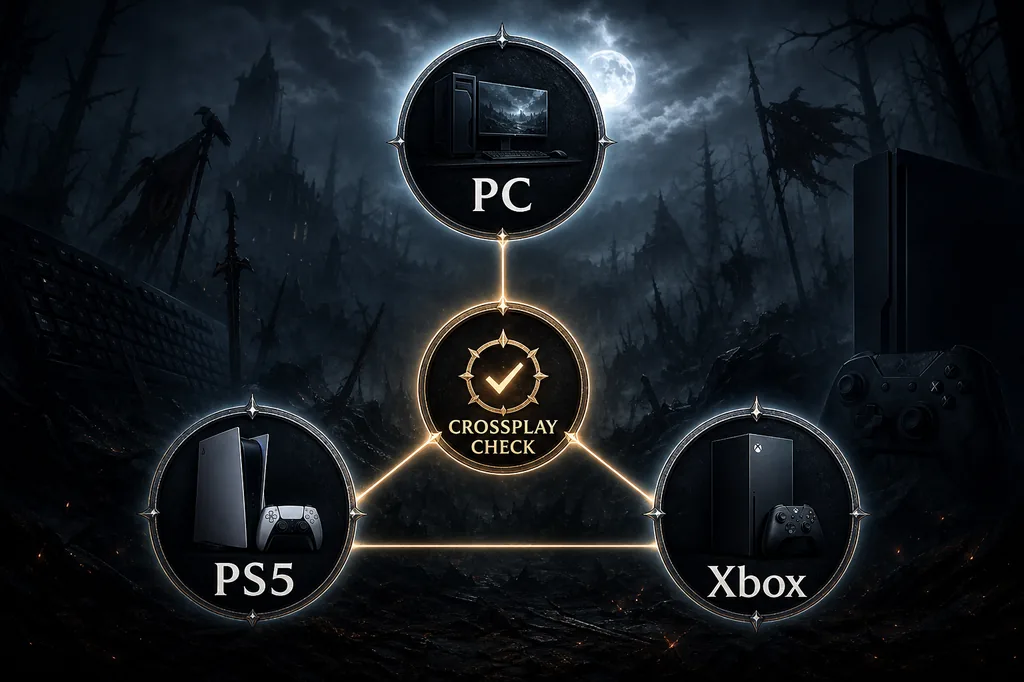
How to play Mistfall Hunter with friends on another platform
1. Confirm the platform and edition first. Open the official store page for your own device and make sure you are launching Mistfall Hunter rather than a similarly named add-on, upgrade, or bundle. The Steam, PlayStation, and Xbox pages are useful for product identity, release context, and regional purchase details.
2. Match the game version before sending an invite. Cross-platform matchmaking can fail when one player has a pending update, a different test build, or a platform-specific maintenance window. If an invite is missing, update and restart both clients before changing account settings.
3. Use the game's current friend or invite flow, then check the region. Do not infer a universal friend-code format from a third-party guide. Record the exact error, platform pair, account region, and date if the invitation fails; those details are more useful for a support report than a screenshot of a search result.
4. Test with a low-cost session. Because Mistfall Hunter is an extraction game, use a simple run to verify that the squad can see each other, join the same session, communicate, and leave normally. Do not test a new platform connection with your most valuable loadout.
Crossplay troubleshooting checklist
| Check | Why it matters | What to record |
|---|---|---|
| Same game and current patch | Different builds can block invites | Version number and update state |
| Platform pair | PC, PS5, and Xbox may expose different account flows | Both platforms and edition |
| Account and privacy settings | Friend requests or multiplayer access can be restricted | Account region and privacy setting |
| Region or server | Cross-region behavior is separate from crossplay | Region, error text, and check time |
| Low-risk test run | A menu invite is not the same as a successful extraction | Join, communication, and extraction result |
What the official platform pages confirm, and what they do not
The official Steam page is the cleanest source for the Windows product listing, Steam reviews, PC system requirements, and the app identity used by PC players. The official PlayStation and Xbox pages establish the console product entries. Those sources are stronger than a copied release article when the question is whether a platform listing exists today.
They do not, by themselves, answer whether matchmaking is shared, whether voice chat behaves the same way, whether purchases transfer, whether progress follows a publisher account, or whether every region can connect. Those are service-policy questions. If a source does not state them, this guide keeps the answer open rather than filling the gap with a guessed yes or no.
Recheck the result after major patches, platform launches, account-policy changes, or a server incident. The page's date is a freshness marker, not a promise that every future client will use the same rules. For buyer context, the site's PS5 and Steam guides cover platform facts; for team composition, the classes and build planner cover role fit after the connection question is settled.
Mistfall Hunter crossplay FAQ
Is Mistfall Hunter crossplay between PC, PS5, and Xbox?
Current public crossplay guides report PC, PS5, and Xbox crossplay. The official store pages checked for this guide confirm the platform products but do not publish a full crossplay policy, so verify the live in-game invite flow and current developer notices before relying on it for an important session.
Is Mistfall Hunter multiplayer the same as crossplay?
No. Multiplayer means playing with other people; crossplay means players on different platforms can join the same multiplayer environment. A game can support one without clearly documenting the other.
Does Mistfall Hunter have cross-progression or cross-save?
Do not assume it. The official website, Steam, PlayStation, and Xbox pages checked here did not provide enough visible evidence to promise shared progress, purchases, or saves across platforms.
How do I play Mistfall Hunter with a friend on another platform?
Update both clients, confirm the same game and edition, use the current in-game friend or invite flow, check account privacy and region, and run a low-cost test session before risking valuable gear.
Does Mistfall Hunter support cross-region play?
The checked sources do not confirm a universal cross-region rule. Cross-region matchmaking is separate from crossplay, so record the region, platform pair, date, and exact error before reporting a failed invite.
Are the PC, PS5, and Xbox versions identical?
Platform listings confirm the products, not identical performance, voice chat, account transfers, or matchmaking behavior. Check the live store and developer information for the platform you actually use.